Free. No account. No data collected.
Finds your Macs
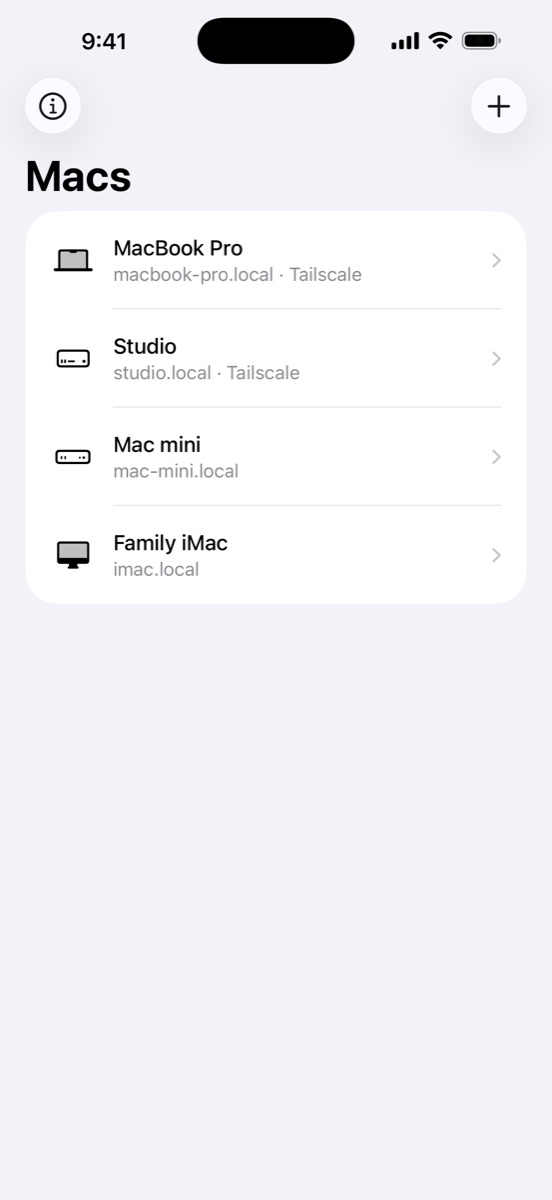
Macs on your network show up by themselves, each with the right icon. Tap one to add it.
Nothing to install on your Mac
Screen Door uses the Screen Sharing built into macOS. Turn it on, then sign in with the same username and password you use on the Mac.
At home or away
Give a Mac its Tailscale address too. Screen Door uses your local network when it can, and Tailscale or another VPN when you're out.
Made for touch
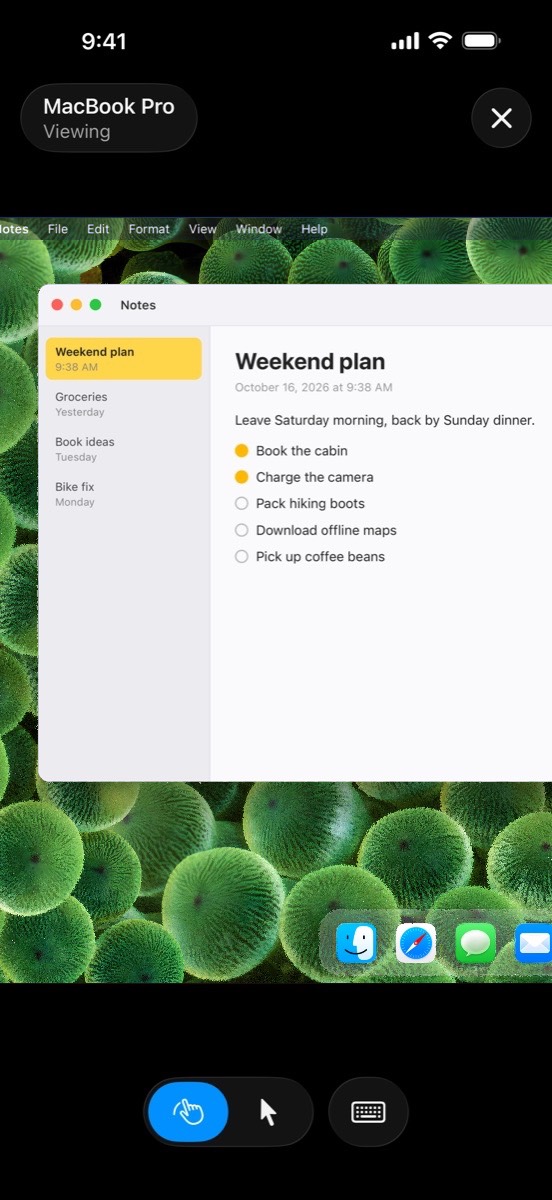
Look around and zoom without touching the Mac, or switch to Mouse mode to click, scroll and drag.
Like being at your desk on iPad
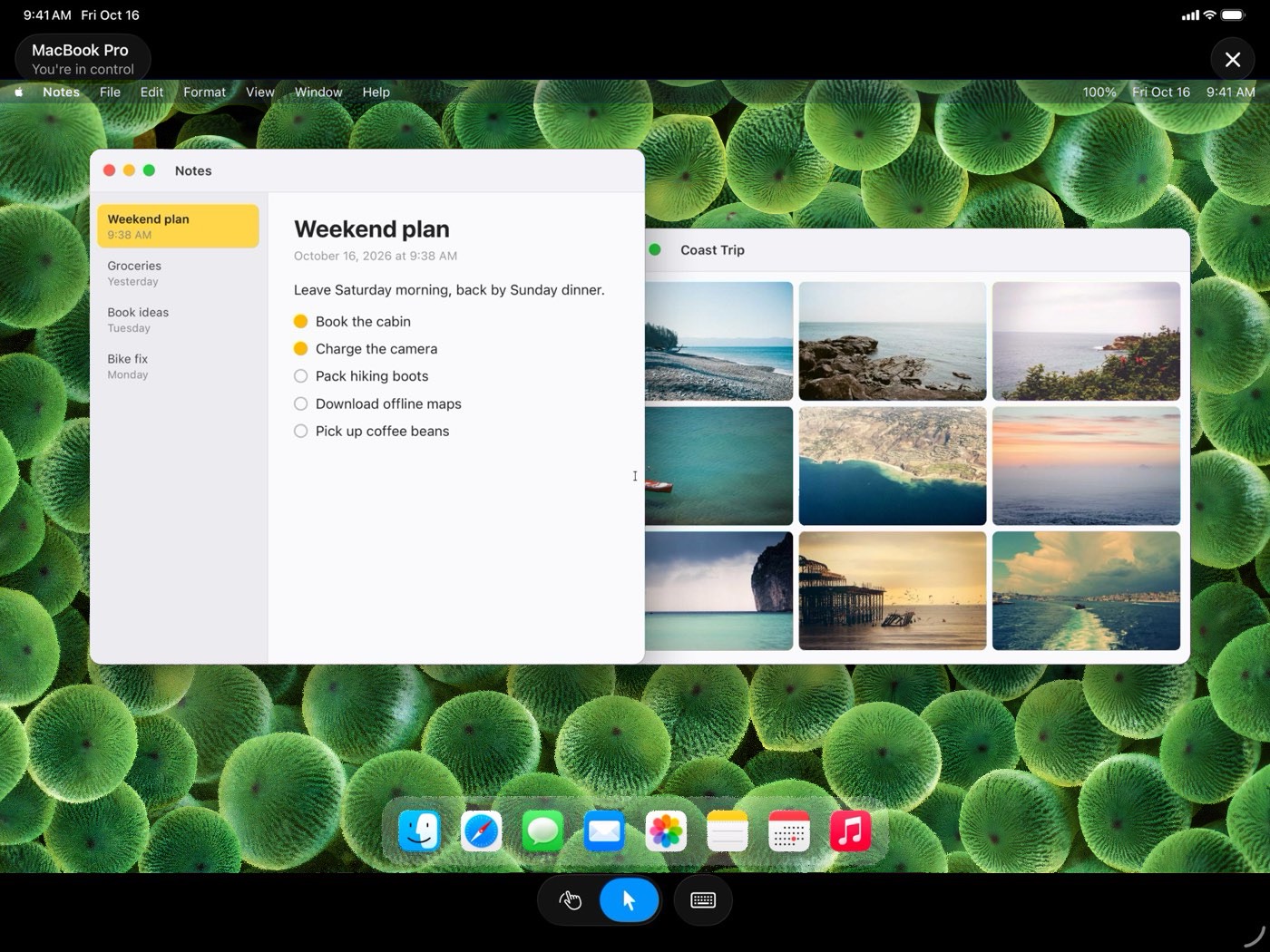
Use a trackpad, mouse or hardware keyboard. Each Mac opens in its own window, so you can keep two side by side.
Private and open source
No account, no analytics, no tracking. The code is on GitHub.
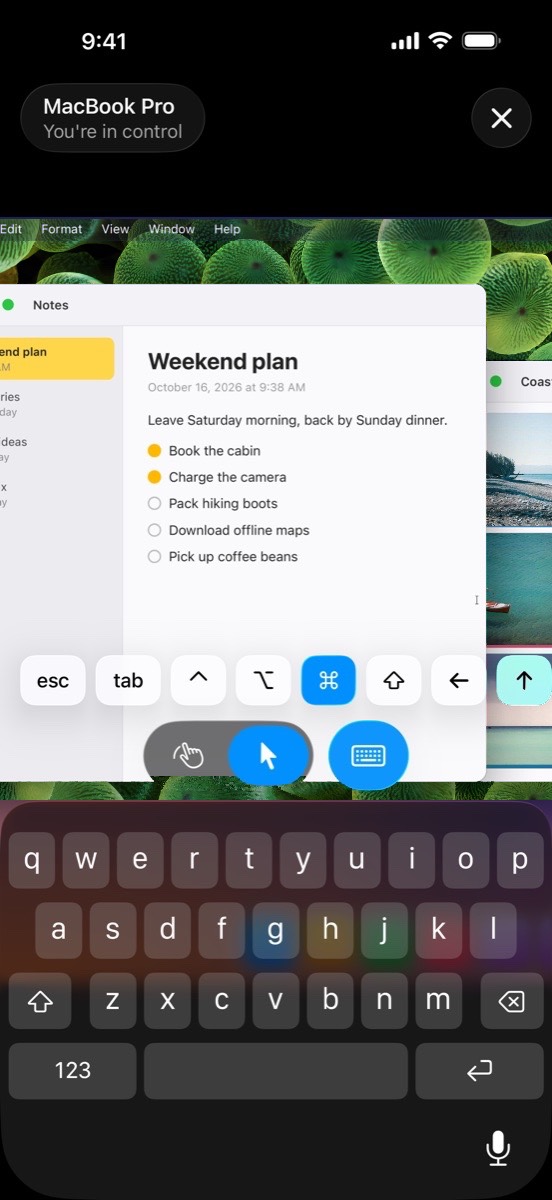
Every key a Mac needs
Command, Option, Control, Shift, esc, tab and the arrow keys sit right above the keyboard. Tap a modifier, then the key, for shortcuts like ⌘C.
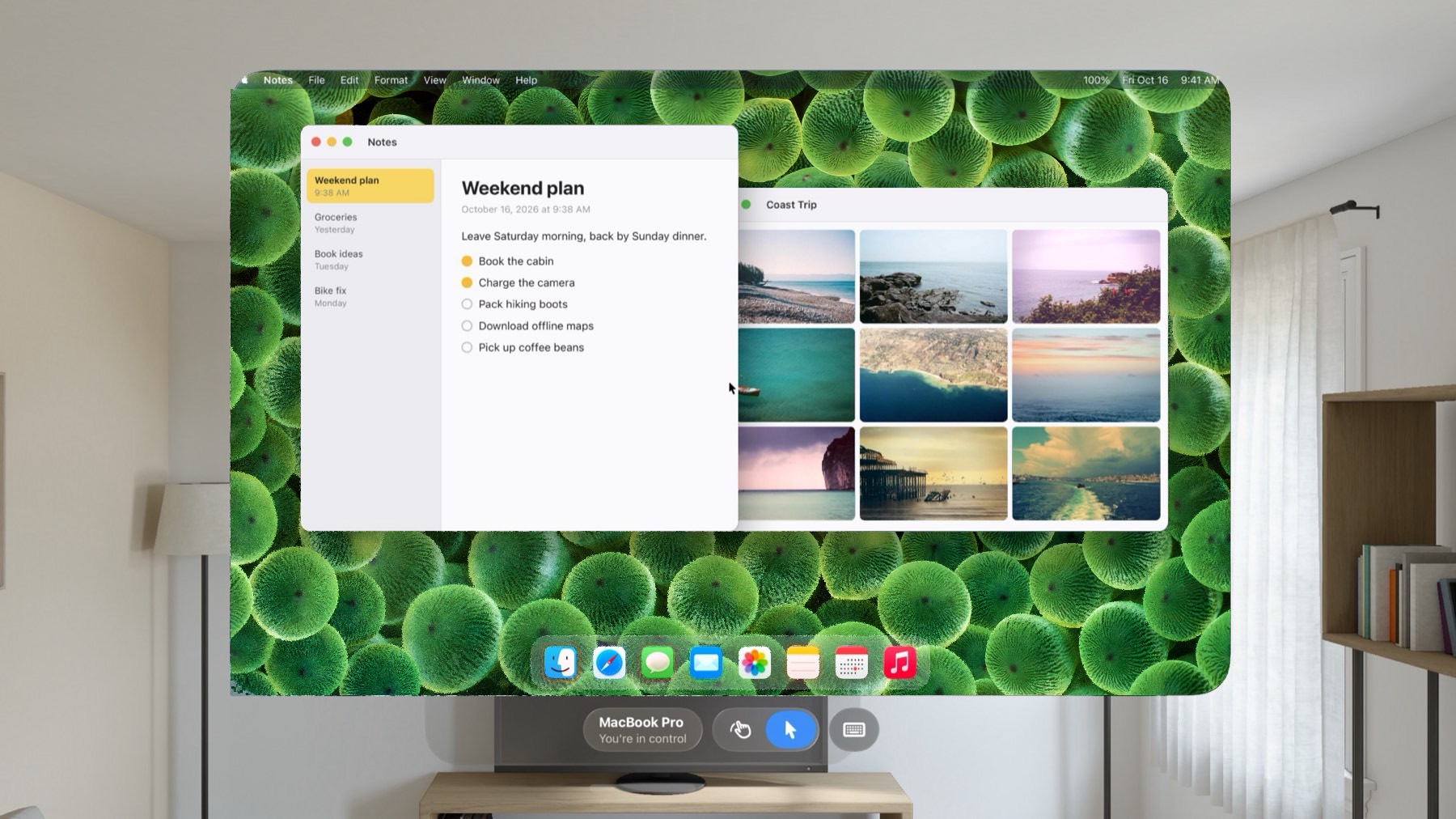
On Apple Vision Pro, as big as you like
Look at something and tap to click it. The window takes the shape of your Mac's screen, and you can put it anywhere.
Set up in a minute
- On your Mac, open System Settings > General > Sharing and turn on Screen Sharing.
- Open Screen Door. Macs on your network appear in the list.
- Tap your Mac and sign in with your Mac username and password.
Your password is stored in the Keychain on your device. Screen Door connects straight to your Mac. There are no Screen Door servers in between.